Organ section
The Organ section emulates three classic organ models. This chapter is set up as a playground for the section blocks: every module type appears at least once.
Drawbars
The digital LED drawbars work like the drawbars on a traditional organ. Pulling out a drawbar adds harmonics to the sound.
- Use the buttons below each drawbar to move it up or down.
- Hold SHIFT to copy the drawbar registration between manuals.
Upper manual
Nine drawbars covering the full harmonic range, from the 16' sub-fundamental to the 1' top.
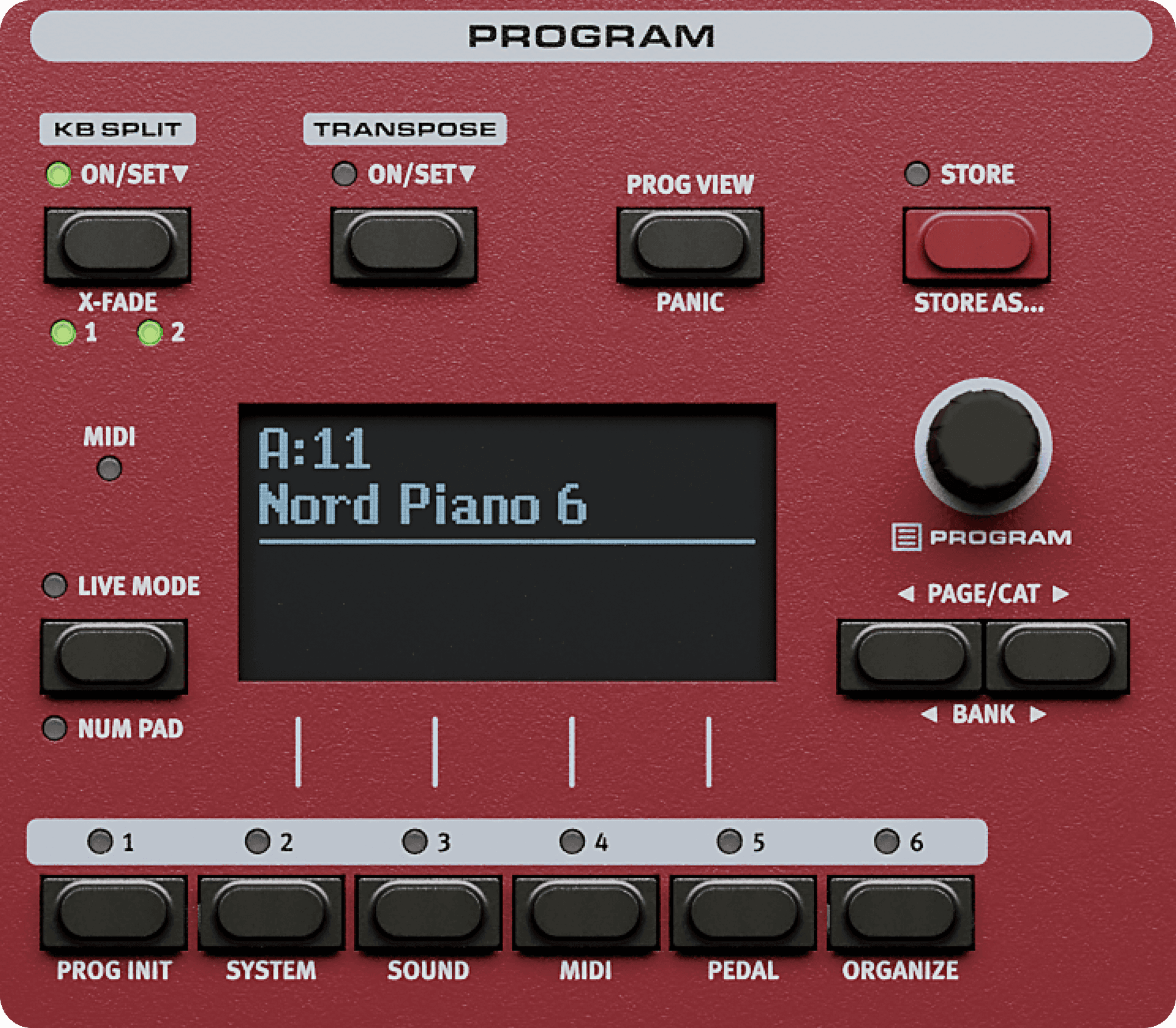
Rotary soeaker
Turn the Rotary on
Press the ROTARY button in the Effects section.Pick a speed
Use the SPEED button to switch between Slow, Fast and Stop.Set the drive
Hold SHIFT and turn the DRIVE knob to overdrive the rotary amplifier.
The horn and drum rotors can be given separate speeds in the Sound menu.
Organ models
| Model | Based on | Drawbars |
|---|---|---|
| B3 | Tonewheel organ | 9 |
| Soft B3 | Tonewheel organ, softer voicing | 9 |
| Vx | Transistor combo organ | 7 |
| Farf | Reed based combo organ | Presets |
| Pipe | Pipe organ | 9 |
Percussion
Second and third
Percussion adds a decaying attack to the note. Choose between the second and third harmonic.
Volume and decay
Soft percussion lowers the attack level, and Fast decay shortens it.
Vibrato and chrous
Three vibrato and three chorus settings are available, replicating the scanner vibrato of the original instrument.
Vibrato and chorus are shared between both manuals.
Preset organs
Loading a preset
Hold the ORGAN PRESET button and turn the PROGRAM dial to step through the presets.
Storing a preset
Hold the ORGAN PRESET button and turn the PROGRAM dial to step through the presets.
Restoring the factory presets
Hold the ORGAN PRESET button and turn the PROGRAM dial to step through the presets.
Panel reference
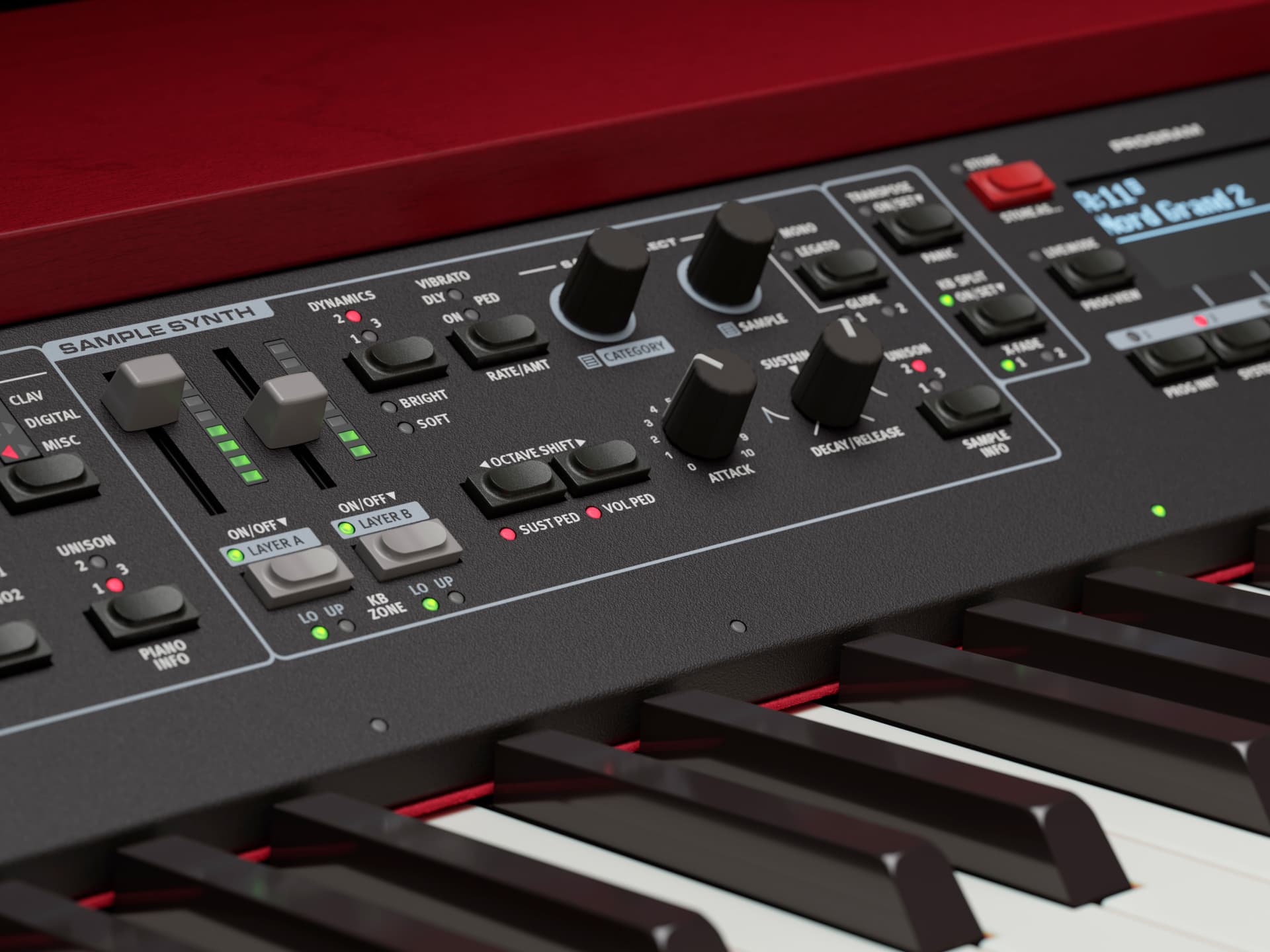
Watch and learn
Cautions
Settings in the Organ section are stored per Program.
High rotary drive combined with high output levels can damage your hearing.
Hold SHIFT while turning a knob to read its stored value without changing it.
Further reading
See also the Getting started chapter and the MIDI controller list.