Getting started
Let's spend a few minutes getting acquainted with the most fundamental features of the Nord Electro 7, and go through some common tasks and scenarios in a stepwise fashion.
Hooking it up
Connect the power cord to the Nord Electro 7 and a mains power supply, connect the sustain pedal and a set of headphones or a sound system.
Make sure to turn on the Nord Electro 7 first, before the sound system. Please be careful with the output volume!
For more information on all the connections of the Nord Electro 7, see the Connections section
Panel controls
Push encoders and knobs
The push encoders on the Nord Electro 7 are knobs without fixed start and stop positions, that can also be pressed to access alternate views or functionality. The large PROGRAM encoder is one such example. In this user manual, push encoders are also referred to as dials.
Potentiometer-type knobs are used for most panel settings on the Nord Electro 7. When a program is loaded the physical positions of these knobs will in most cases not correspond to the stored values. As soon as a knob is turned however, its associated parameter value will “snap” to the knob’s position.
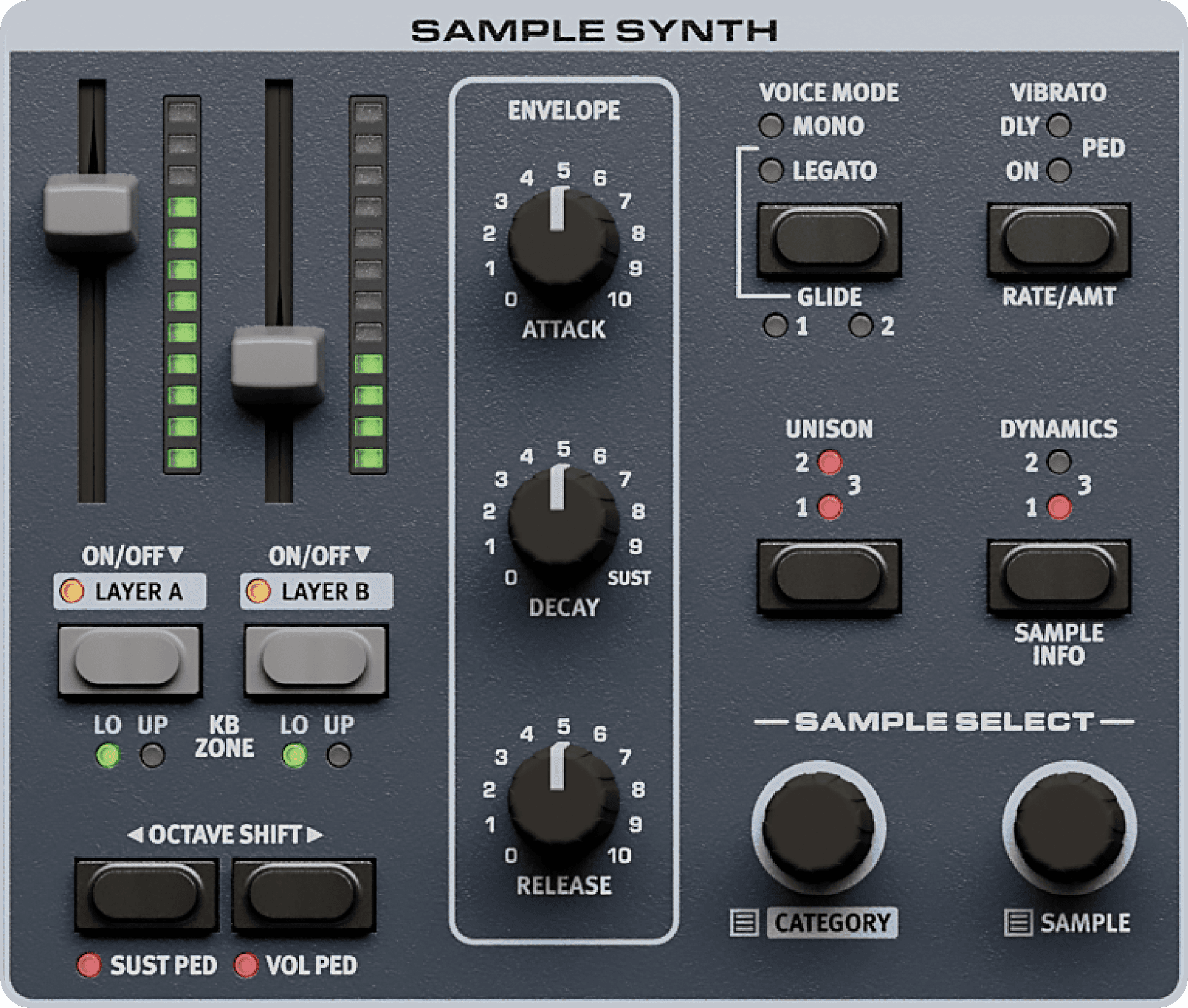
To monitor the current value of any knob parameter, press and hold the SHIFT button while turning that knob.
Buttons
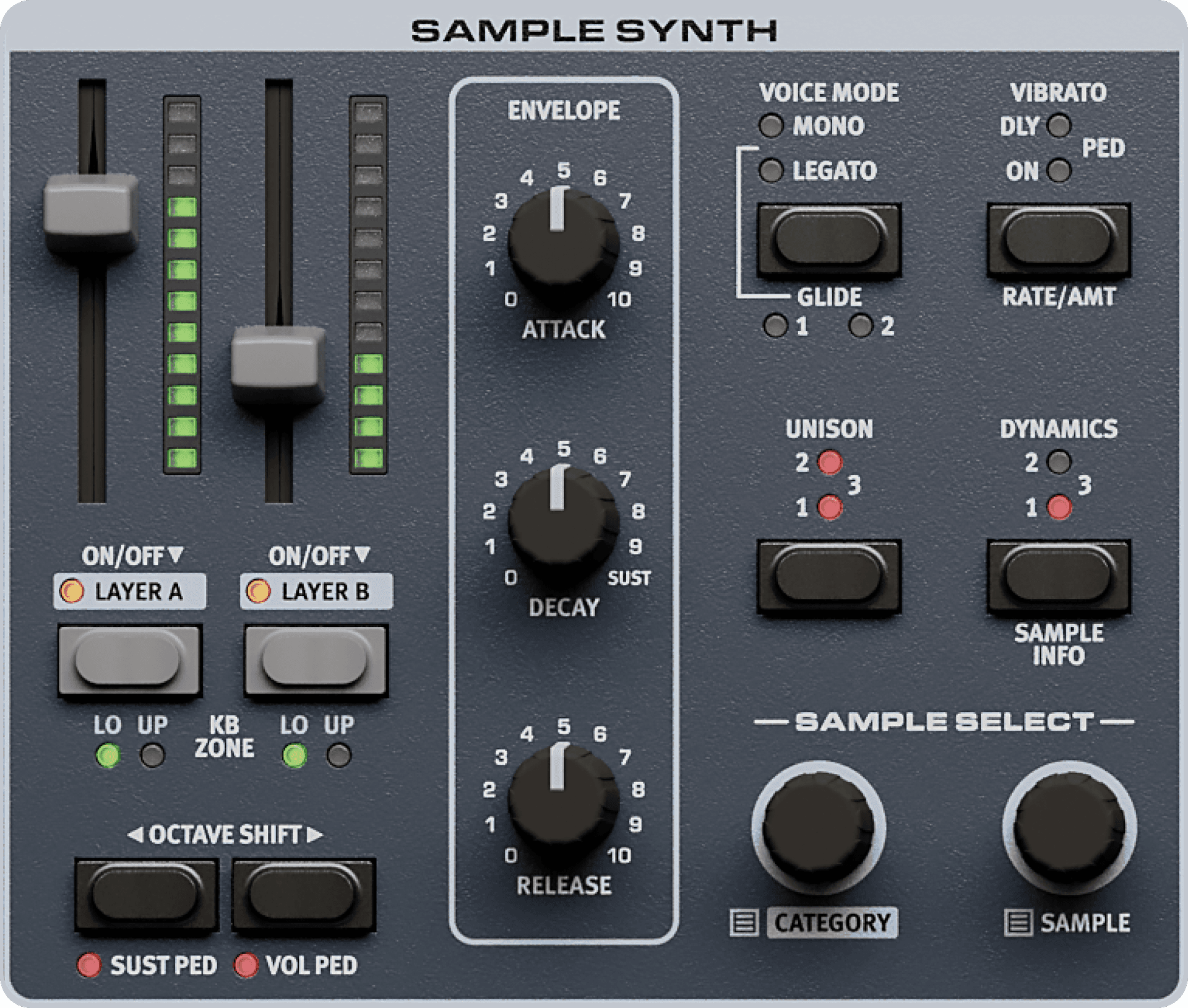
The push encoders on the Nord Electro 7 are knobs without fixed start and stop positions, that can also be pressed to access alternate views or functionality. The large PROGRAM encoder is one such example. In this user manual, push encoders are also referred to as dials.
Potentiometer-type knobs are used for most panel settings on the Nord Electro 7. When a program is loaded the physical positions of these knobs will in most cases not correspond to the stored values. As soon as a knob is turned however, its associated parameter value will “snap” to the knob’s position.
Program list view
Enter List view
Press the PROGRAM dial to enter a list view of all the Programs.Browse programs
Browse to any program, using the PROGRAM dial. All 20 program banks can be accessed when in List mode.Sorting lists
Try out the Abc and Cat soft buttons respectively. Note that in Abc mode, all programs are shown in a list sorted by name and in Cat mode as a list sorted by Category.Exit list mode
Press SHIFT to EXIT the List view.
To monitor the current value of any knob parameter, press and hold the SHIFT button while turning that knob.
Using your Nord Electro 7 at high volumes can damage your hearing.
MIDI messages are transmitted and received on both the USB and MIDI In/Out connections simultaneously.