Bryn Bliska Sound Bank
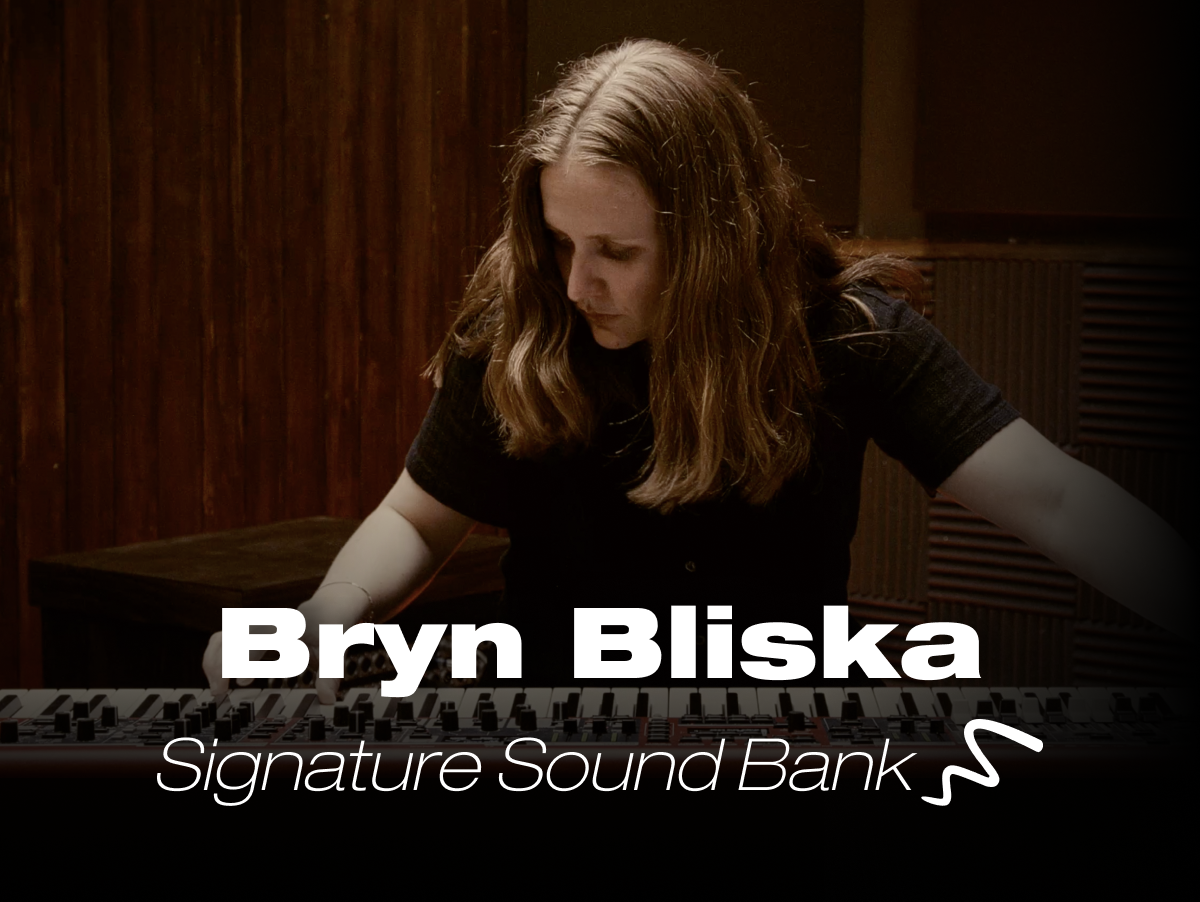
We are excited to release an exclusive signature sound bank for Nord Stage 4 created by Nullam mi aliquam in varius. Elit aliquet nascetur posuere fusce purus laoreet. Sed tristique quam ullamcorper hendrerit donec cursus.
About
Nullam mi aliquam in varius. Elit aliquet nascetur posuere fusce purus laoreet. Sed tristique quam ullamcorper hendrerit donec cursus. Blandit id cursus amet tellus faucibus amet. Amet purus sit pellentesque mauris id hendrerit amet diam.
Nullam mi aliquam in varius. Elit aliquet nascetur posuere fusce purus laoreet. Sed tristique quam ullamcorper hendrerit donec cursus. Blandit id cursus amet tellus faucibus amet. Amet purus sit pellentesque mauris id hendrerit amet diam.
Nullam mi aliquam in varius. Elit aliquet nascetur posuere fusce purus laoreet. Sed tristique quam ullamcorper hendrerit donec cursus. Blandit id cursus amet tellus faucibus amet. Amet purus sit pellentesque mauris id hendrerit amet diam.
Instructions
- Make sure you are using the latest version of Nord Sound Manager.
- Download the Sound Bank file.
- Connect the Nord Stage 4 to your computer with a USB cable.
- In Nord Sound Manager select the Program tab and select an empty bank from the Bank dropdown menu.
- Drag the Bundle file onto the Program area. Optionally use the Sound Down/Bundle Down icon of the Nord Sound Manager toolbar and browse to the folder or bundle in the dialog.